
Recovery code and trusted contacts
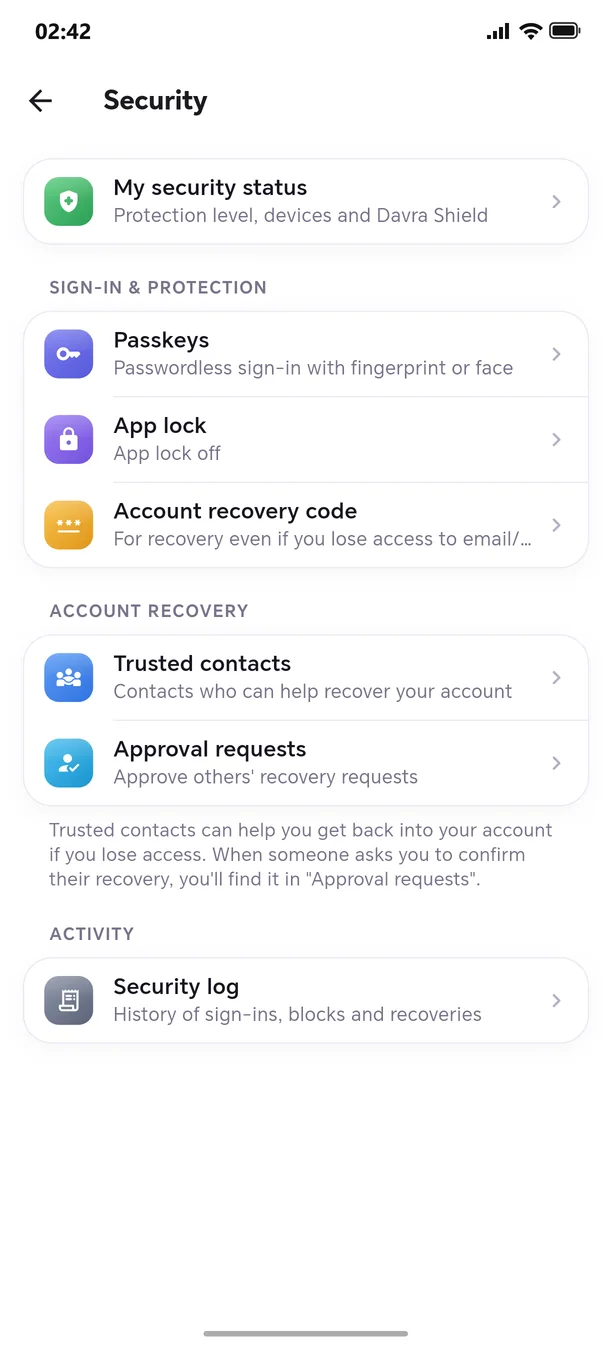
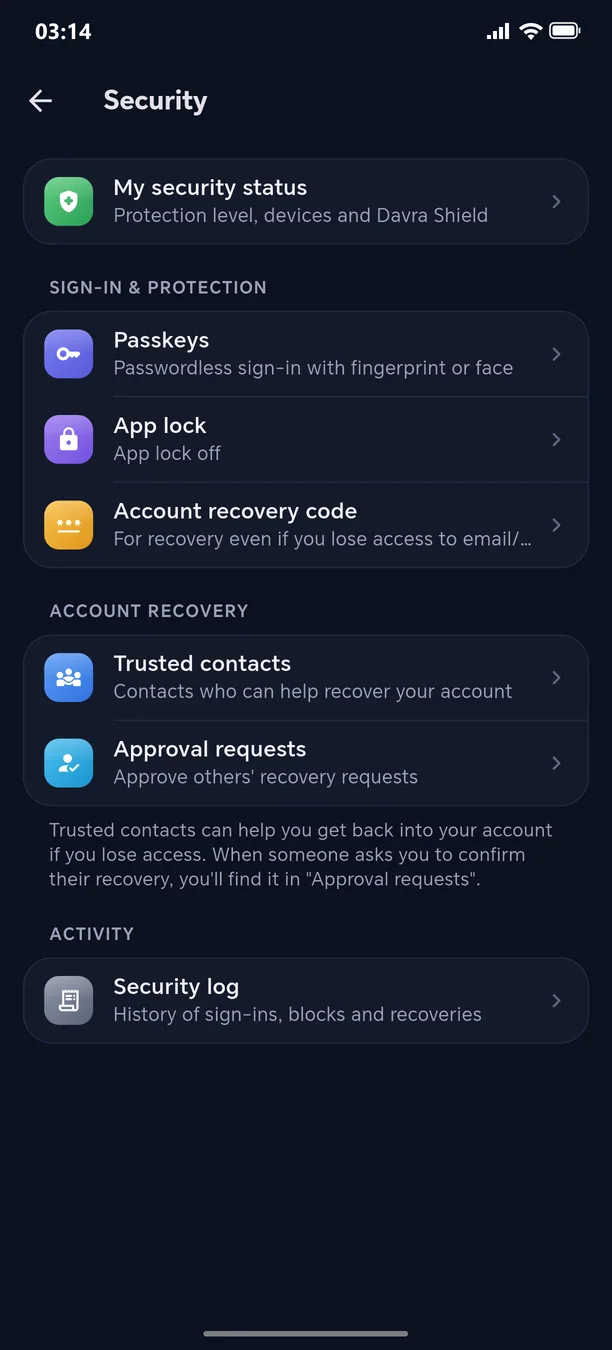
Your account can be recovered even if you lose access.
Your recovery code is shown only once, only its hash is stored on the server, and it's renewed after every use. Choose 2–5 trusted friends — they can approve your account recovery (“Approval requests”). You're notified immediately about every recovery attempt and can cancel it from “My security status”.
🧭 How to use
- 1
Settings → Security → “Account recovery”
- 2
Add trusted contacts
- 3
Write down the recovery code in a secure place
Other features in this section
App lock
With a PIN, pattern, or fingerprint.
More detailsPasskey — passwordless sign-inNew
With your fingerprint or face — nothing to steal.
More detailsShield Max
Passkey only — password sign-in is shut off entirely.
More detailsDevices and sessions
See where you are logged in and log out the stranger.
More detailsMy security status
Your protection level on one screen.
More detailsVerify the security code
Confirm that your conversation partner is really who they claim to be.
More details
Welcome to the next-generation messenger
Free. No ads. Get started in one minute.