
⏰
Message reminder
It reminds you about an important message later.
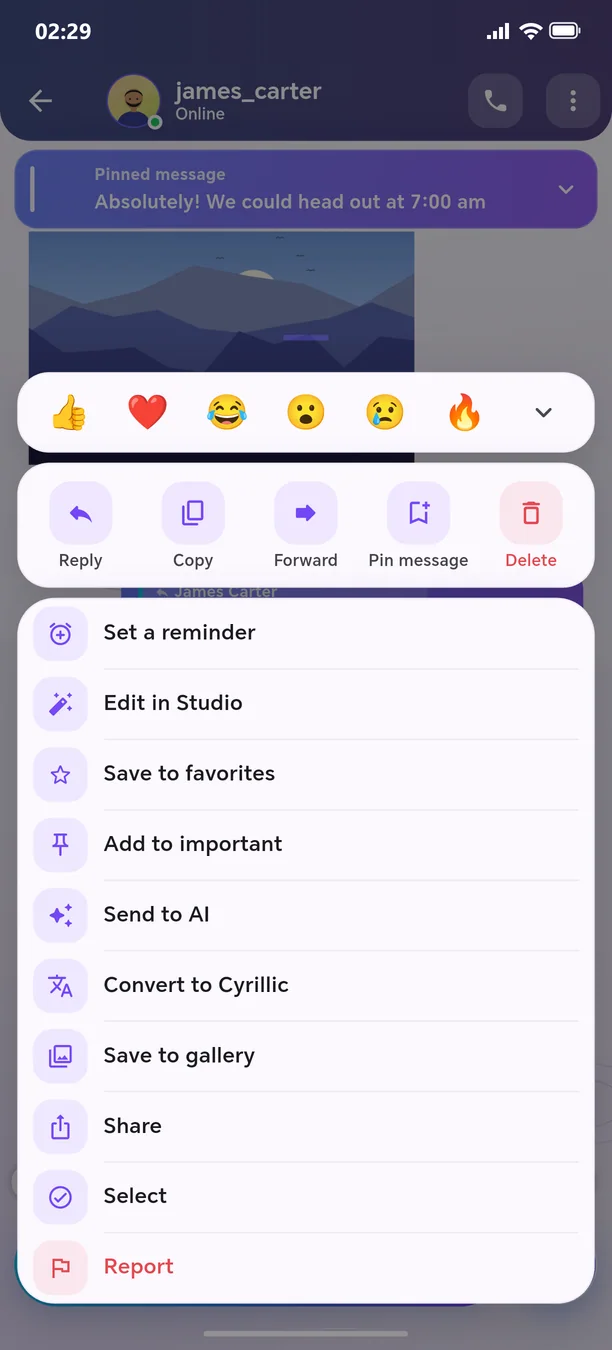
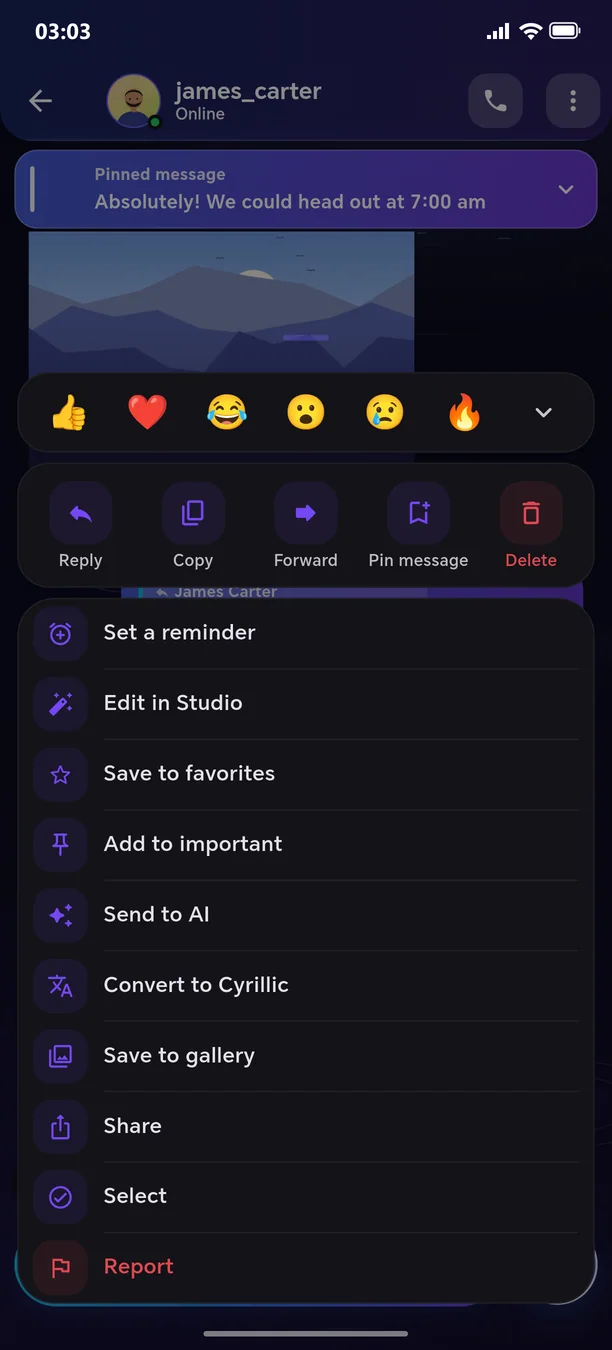
Set a reminder for any message: 15 minutes, 1 hour, this evening, or a time of your choice. When the time comes, you'll receive a notification; tapping it opens that exact message. You can also snooze it for «1 hour» from the notification.
🧭 How to use
- 1
Tap the message → «Set reminder»
- 2
Choose a time
- 3
A ⏰ icon appears next to the message
Other features in this section
🗓️
Schedule for later
Write the message — it will be sent automatically at the required time.
More details🔥
One-time message
Text, image, or video that can be opened only once.
More details⏳
Time capsule
The message remains locked until the specified date.
More details🧹
Auto-delete, export and archive
Messages delete themselves after 1 day, 1 week or 1 month.
More details❄️
Freeze the chat
Take a break for a while — the chat will be temporarily paused.
More details📝
Drafts
Your unfinished message won't be lost.
More details
Welcome to the next-generation messenger
Free. No ads. Get started in one minute.