
🔐
Verify the security code
Confirm that your conversation partner is really who they claim to be.
You both see the same 60-digit code and QR — when you meet, scan the QR to confirm that the key on the other person's device hasn't changed. If the code changes, you get a warning.
🧭 How to use
- 1
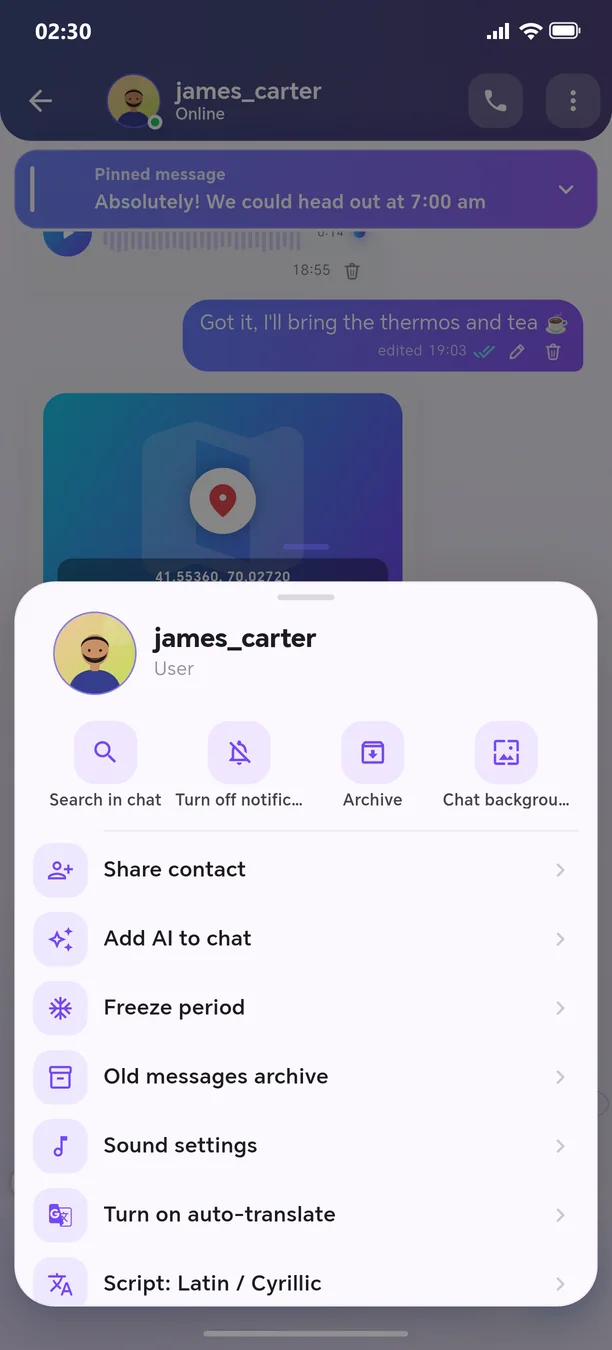
Chat menu → “Verify security code”
- 2
Scan your conversation partner’s QR code
Other features in this section
🔒
App lock
With a PIN, pattern, or fingerprint.
More details
Passkey — passwordless sign-inNew
With your fingerprint or face — nothing to steal.
More details🛡️
Shield Max
Passkey only — password sign-in is shut off entirely.
More details📱
Devices and sessions
See where you are logged in and log out the stranger.
More details🛟
Recovery code and trusted contacts
Your account can be recovered even if you lose access.
More details📋
My security status
Your protection level on one screen.
More details
Welcome to the next-generation messenger
Free. No ads. Get started in one minute.