
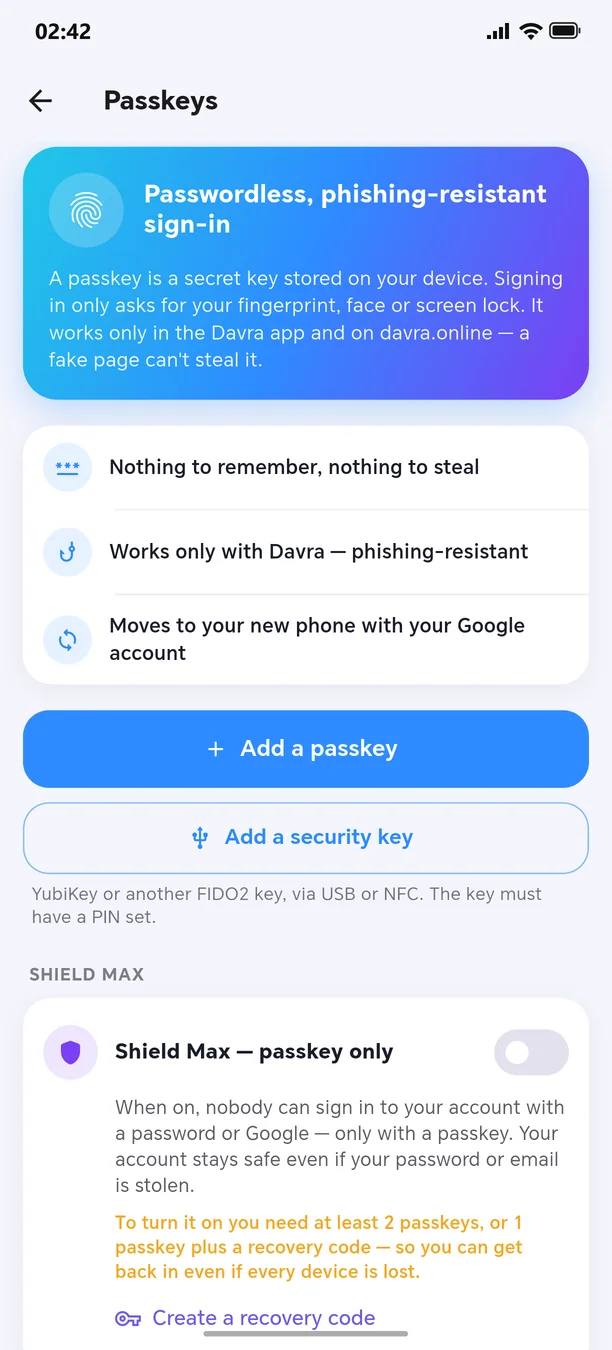
Passkey — passwordless sign-in
With your fingerprint or face — nothing to steal.
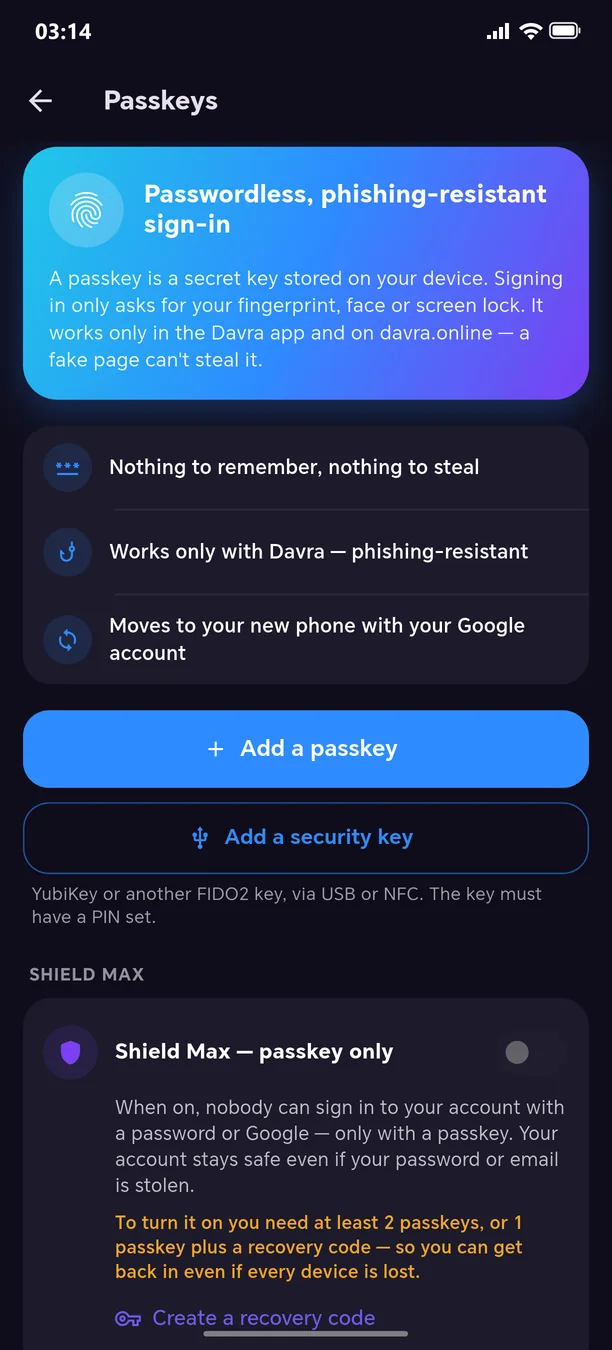
A passkey is a modern key that replaces passwords: on Android and on the web you sign in with your fingerprint, face or screen lock. A phishing site can't steal it. You can even sign up passwordless — with just an email, a username and a passkey. Name and delete passkeys, connect a hardware security key; risky actions such as deleting your account or changing your email are confirmed with a passkey, and every change triggers an email to you.
🧭 How to use
- 1
Settings → Security → “Passkeys”
- 2
“Add a passkey”
- 3
Confirm with your fingerprint
Other features in this section
App lock
With a PIN, pattern, or fingerprint.
More detailsShield Max
Passkey only — password sign-in is shut off entirely.
More detailsDevices and sessions
See where you are logged in and log out the stranger.
More detailsRecovery code and trusted contacts
Your account can be recovered even if you lose access.
More detailsMy security status
Your protection level on one screen.
More detailsVerify the security code
Confirm that your conversation partner is really who they claim to be.
More details
Welcome to the next-generation messenger
Free. No ads. Get started in one minute.