
💻
Web version
On a computer via a browser — no installation required.
At davra.online/app you can use chats, groups, channels, voice and video calls, Quran, Hadith, Azkar, Prayer, Market, Davra Live and the AI agent. Sign in with email, Google, a passkey or by scanning a QR code with your phone's camera. For phone-only features such as Bluetooth, widgets and SMS, an “On the phone” card appears.
🧭 How to use
- 1
Open davra.online/app on your computer
- 2
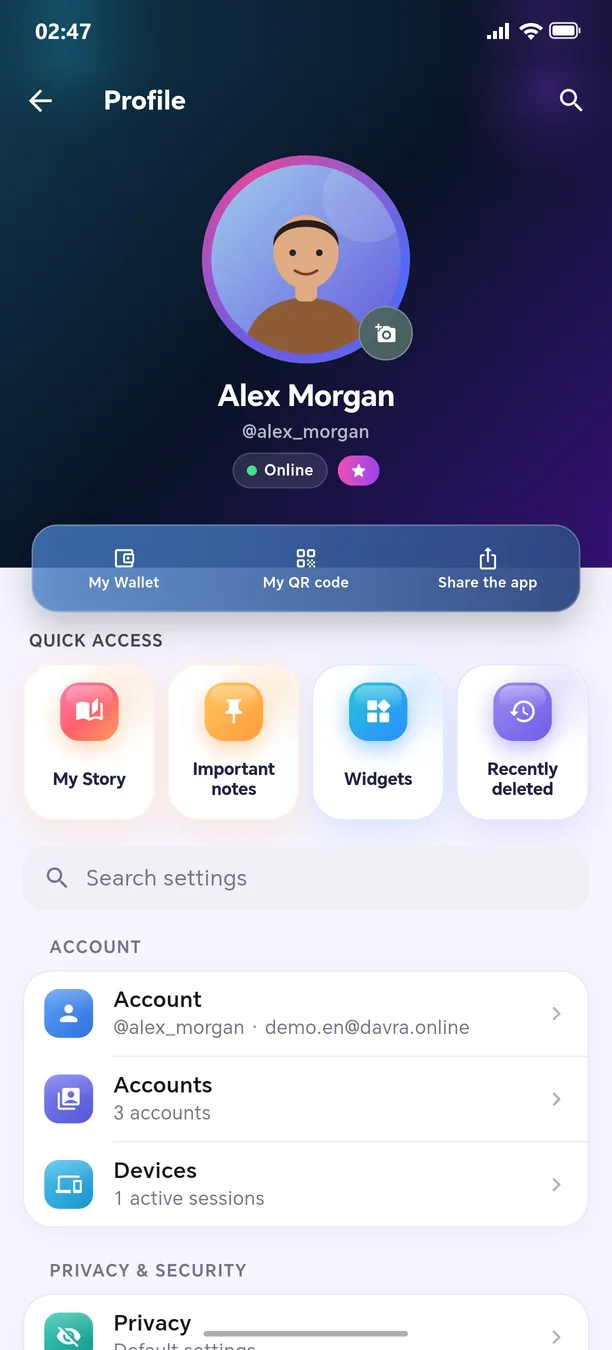
On your phone: Settings → “Devices” → “Log in to web with QR”
- 3
Scan the QR code on the screen
Other features in this section

Welcome to the next-generation messenger
Free. No ads. Get started in one minute.