Davra Messenger
DavraMESSENGER
Home/Features/☁️ Memory and devices/Storage and backup
📶

Poor internet mode

Traffic saving and a network status indicator.

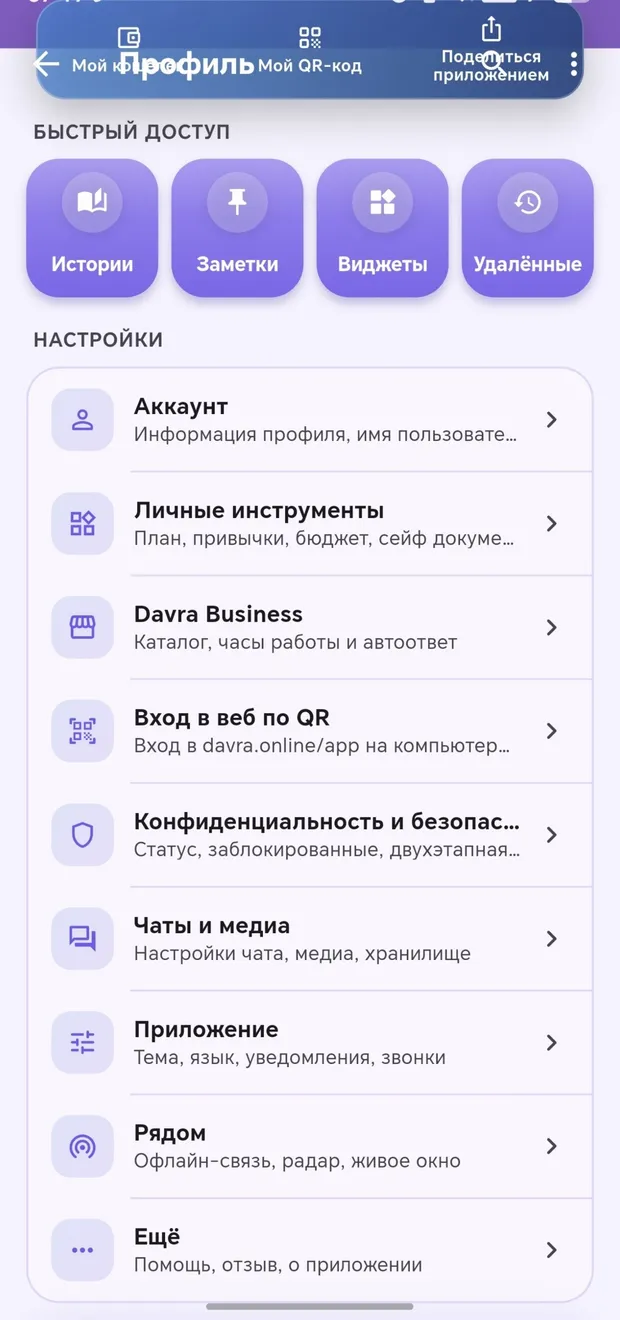
Images are optimized, call audio uses less data, and images are automatically downloaded only over Wi-Fi. The connection status — «Connecting», «Updating», «No internet» — appears at the top of the screen; tapping it shows the speed and the number of pending messages. Previously loaded chats can be opened even without internet.

🧭 How to use

  1. 1

    Settings → «Poor internet mode»

  2. 2

    Enable the necessary toggles

Appearance in the app · Tap to enlarge

Other features in this section

💾

Storage management

See how much space each conversation takes up.

More details
🗄️

Google Drive backup Android

Media files are encrypted on your own Drive.

More details
📲

Transfer to a new phone Android

Via QR code — encrypted.

More details

Join Davra

Free. No ads. Get started in one minute.

Download for free Open the web version 🧭All features
💬Communication📞Calls✨Send the link anywhere📖Davra Quran📜Davra Hadith🪔Davra Tafsir🗣️Davra Language📡Davra Live🛍️Davra Market🎨Media and creativity🧰Personal tools🛡️Security and privacy📡Nearby☁️Memory and devices🎨Personalization
💡Help 🌐About us 📊Website statistics