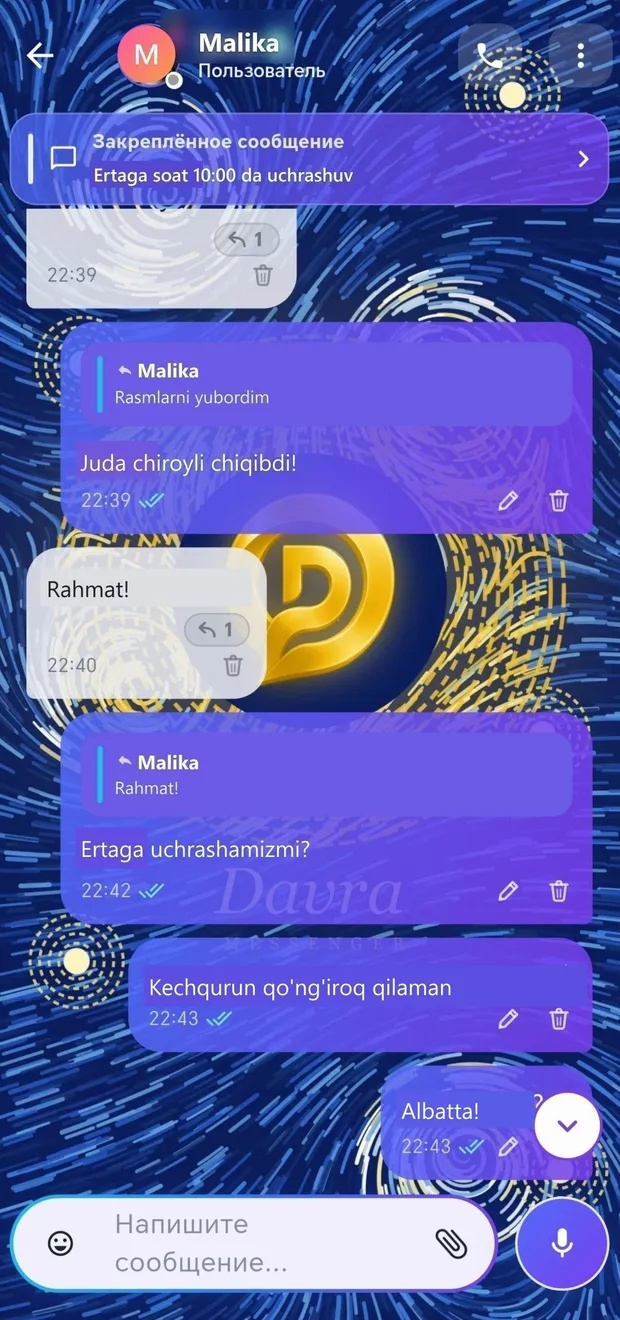
An important message always stays at the top of the chat.
Pin several messages — they will appear one after another in the banner at the top of the chat. Tap one to go to that message, or use the arrow to see a list of all pinned messages with their dates and images.
Tap the message
Select «Pin»
Tap the banner at the top to move between messages
Fast, beautiful, and lively messaging.
More detailsOne tap — record and send; choose the playback speed.
More detailsSend multiple photos as one beautiful album.
More detailsSend a document, PDF, map location, or contact.
More detailsShow your route in real time for a specified period.
More detailsRespond to the message with an emoji — with animation.
More detailsReply to the message and quote the relevant part.
More detailsCorrect a mistake or delete the message with one tap.
More detailsForward a message to another conversation or reply there.
More details