Davra Messenger
DavraMESSENGER
Home/Features/📡 Davra Live/Davra Meet
🧠

Screen, tasks, and AI minutes

The meeting outcome is recorded automatically.

Share your screen, write a general note, and assign tasks to those responsible. After the meeting ends, AI will create minutes: key points, decisions, and tasks. Attendance will also be saved.

🧭 How to use

  1. 1

    Use the “Tasks” and “Notes” panels during the meeting

  2. 2

    Click the Finish button

  3. 3

    Read the AI minutes on the Summary page
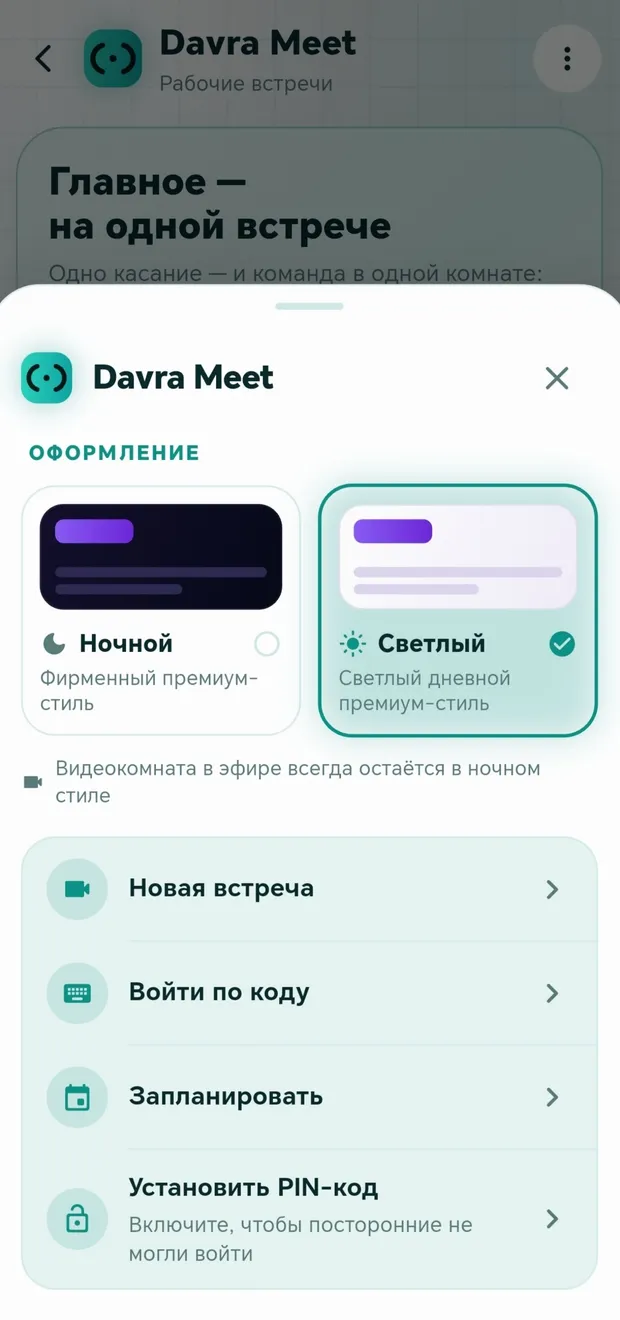
Appearance in the app · Tap to enlarge

Other features in this section

🎥

Meetings

With one tap or according to a schedule.

More details

Join Davra

Free. No ads. Get started in one minute.

Download for free Open the web version 🧭All features
💬Communication📞Calls✨Send the link anywhere📖Davra Quran📜Davra Hadith🪔Davra Tafsir🗣️Davra Language📡Davra Live🛍️Davra Market🎨Media and creativity🧰Personal tools🛡️Security and privacy📡Nearby☁️Memory and devices🎨Personalization
💡Help 🌐About us 📊Website statistics