A separate sound for each chat.
Set the notification sound, vibration, and message appearance. You can reply directly from the notification, listen to a voice message, and mark it as «Read». There is also a silent mode for nighttime hours.
Settings → App → «Notifications»
Select sound and vibration
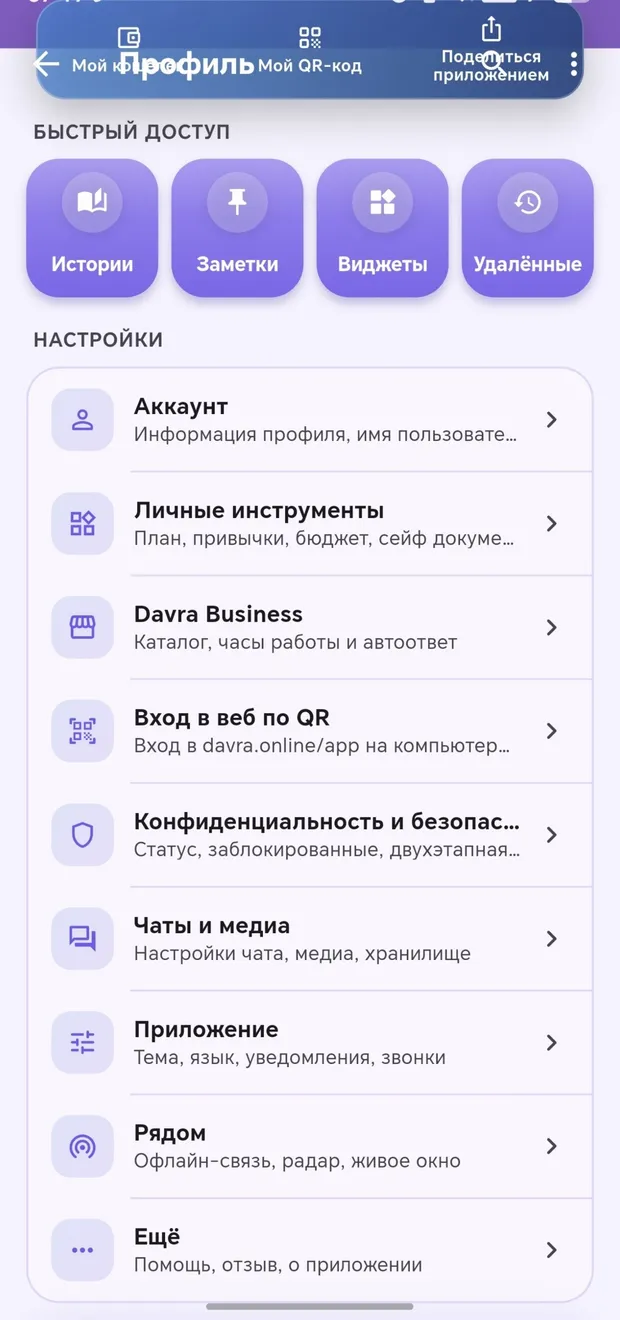
Bright during the day, easy on the eyes at night.
More detailsUzbek, Russian, English, Arabic, and 14 more languages.
More detailsBranded backgrounds, your own image, or a gradient.
More detailsClock, weather, statistics, and a quick-access folder.
More detailsChoose a classic or floral icon.
More details