Call it by voice or address it with @ in a group.
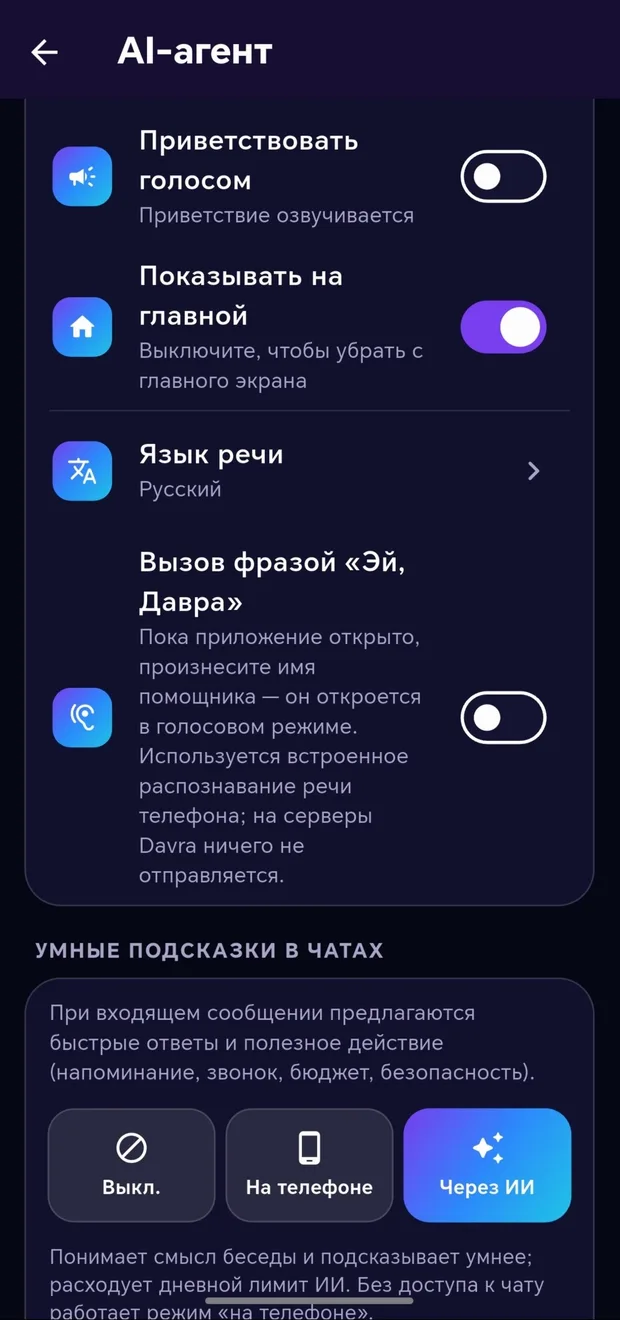
If you say the agent’s name while the app is open, it opens in voice mode — the phone’s own speech recognition service is used, and nothing is sent to the server. In a group, write «@Davra summarize» or «@Davra create a poll…» — the response will appear in the group itself. You can choose the speech language separately.
AI agent → Turn on the «Hey Davra» keyword
Write «@Davra …» in the group
Give it a command by text or voice — it carries it out.
More detailsName your agent and choose its personality and voice.
More detailsControl what the agent can do with toggles.
More detailsIt remembers important things and reminds you of birthdays.
More detailsAsk AI in any conversation — it knows the content of the conversation.
More details